

Change the background colour of an individual email
Override your brand kit to set the background and text colour for one email.
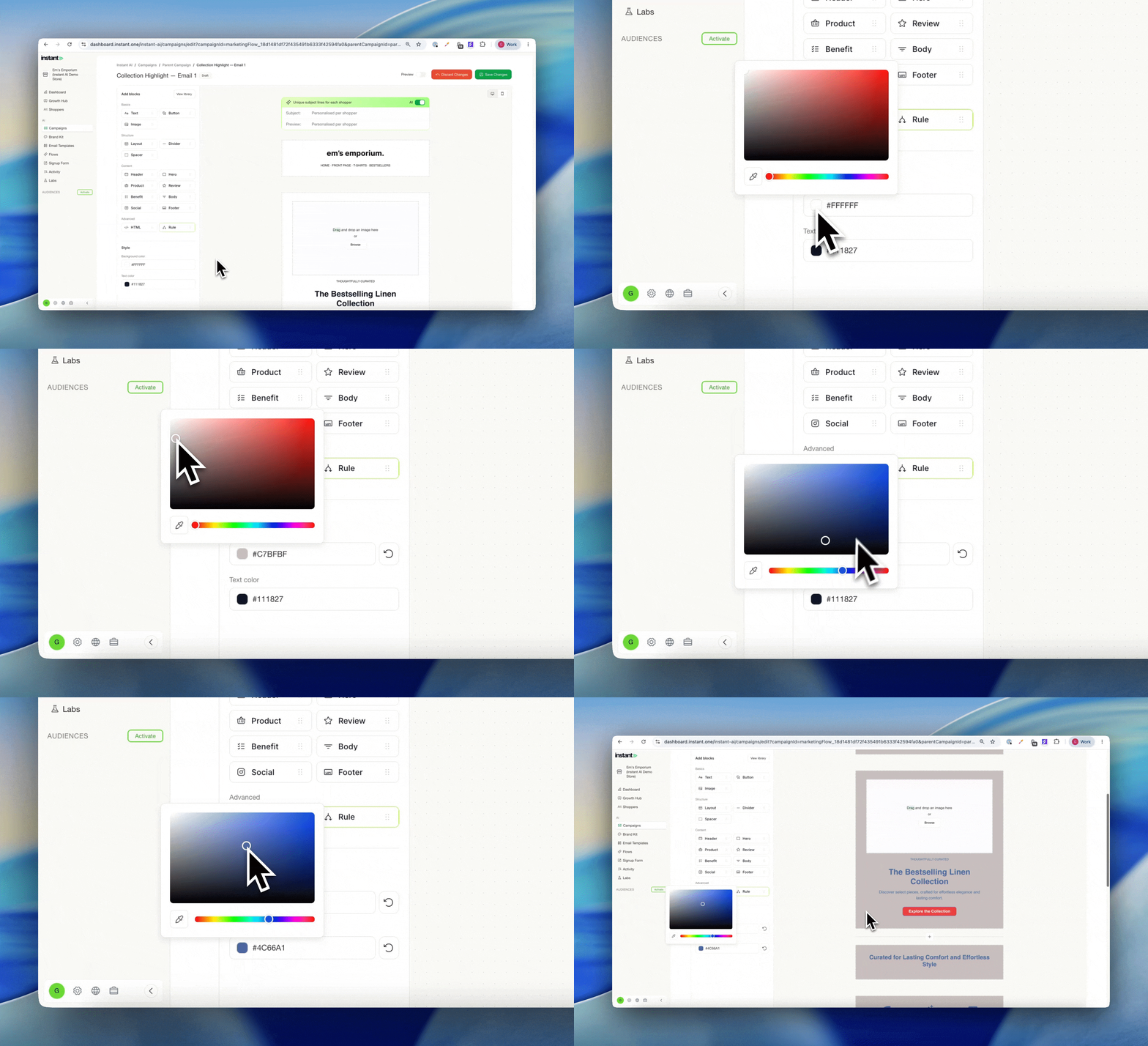
Most brands use their brand kit for the vast majority of their emails, and that's exactly how it should work. But now and then you want one email to look different, without touching your brand kit or every other email. Now you can change the background and primary text colour of a whole email as a one off override, applied in bulk across that email in a couple of clicks. Without needing to manage individual blocks.
- Set the background colour and primary text colour for a single email
- Use the Style panel on the left to override your brand kit for this one email
- Find it in Email Templates > Template Designer