

Choose which sign-up form steps shoppers can skip
Let shoppers skip any step of your sign-up form, with a Skip button that you style.
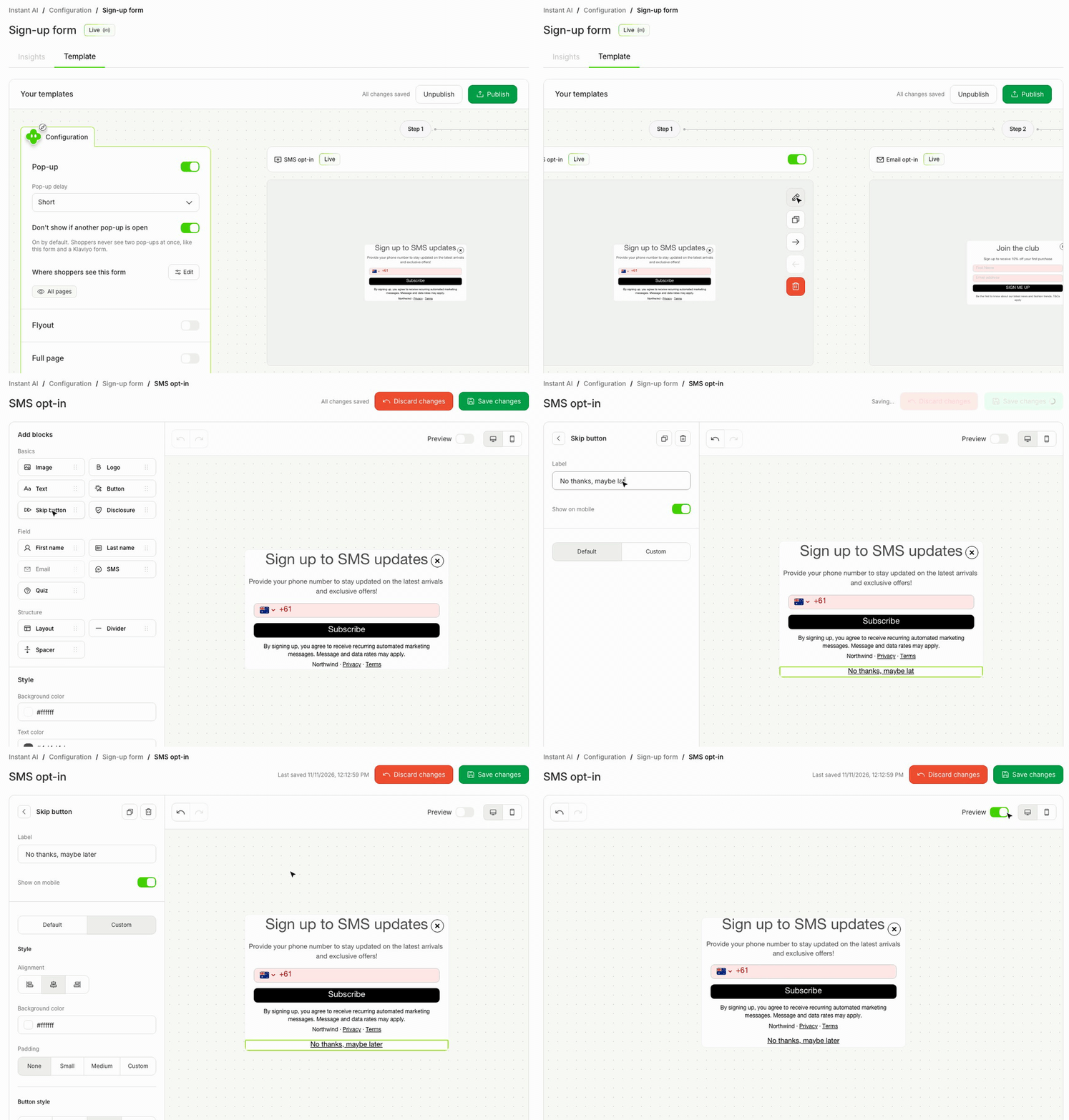
Before, Skip showed only after a shopper signed up, so shoppers could not skip your first step. Now you choose each step, such as an SMS step first that shoppers can skip before they give their email.
- Add a Skip button to any step of a sign-up form, the first step too.
- Change its text, style and place like any button, or delete it to remove the skip.
- The form-wide "Let shoppers skip" switch is gone. Forms that had it on keep the same Skip as before.
- Find it in the sign-up form editor under Add blocks > Basics > Skip button.