

Clean up unused blocks by category
Tidy your block library fast: unused blocks are now grouped by type, and you can bulk-delete unused synced blocks.
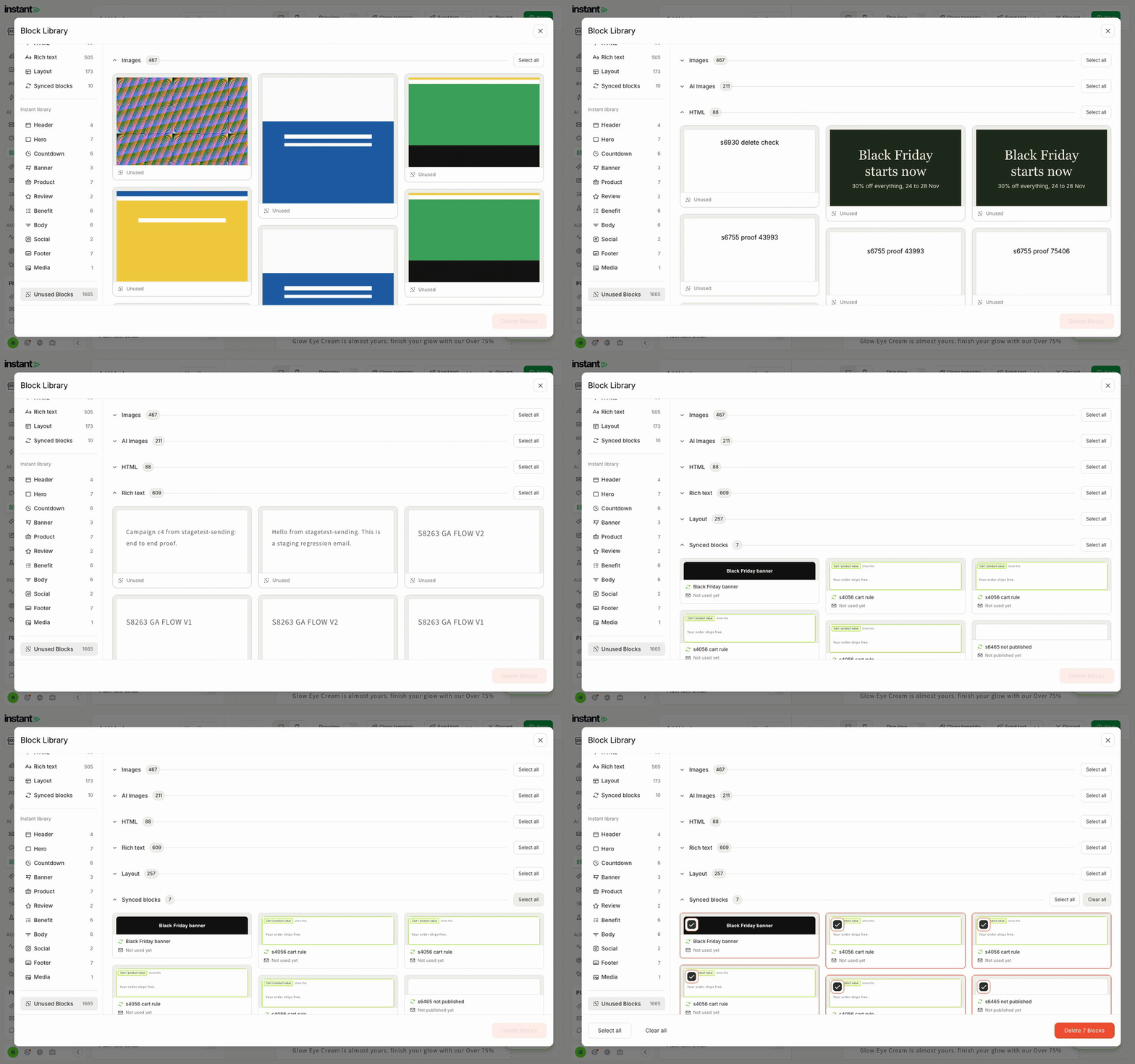
After a sale, old banners and synced blocks pile up and make your library hard to use. Now you can see what's unused by type and clear a whole group in a few clicks, so the blocks you need are easy to find.
- Unused blocks are grouped by type: Images, AI Images, HTML, Rich text, Layout, Synced blocks and Products
- Collapse any group, and select or clear a whole group with one click
- Unused synced blocks now show up too, so you can delete them in bulk with your other blocks
- Find it in the email editor → Block Library → Unused Blocks