

Drag and drop images onto the canvas
Drag files from your computer onto the canvas and each one is added as its own image block.
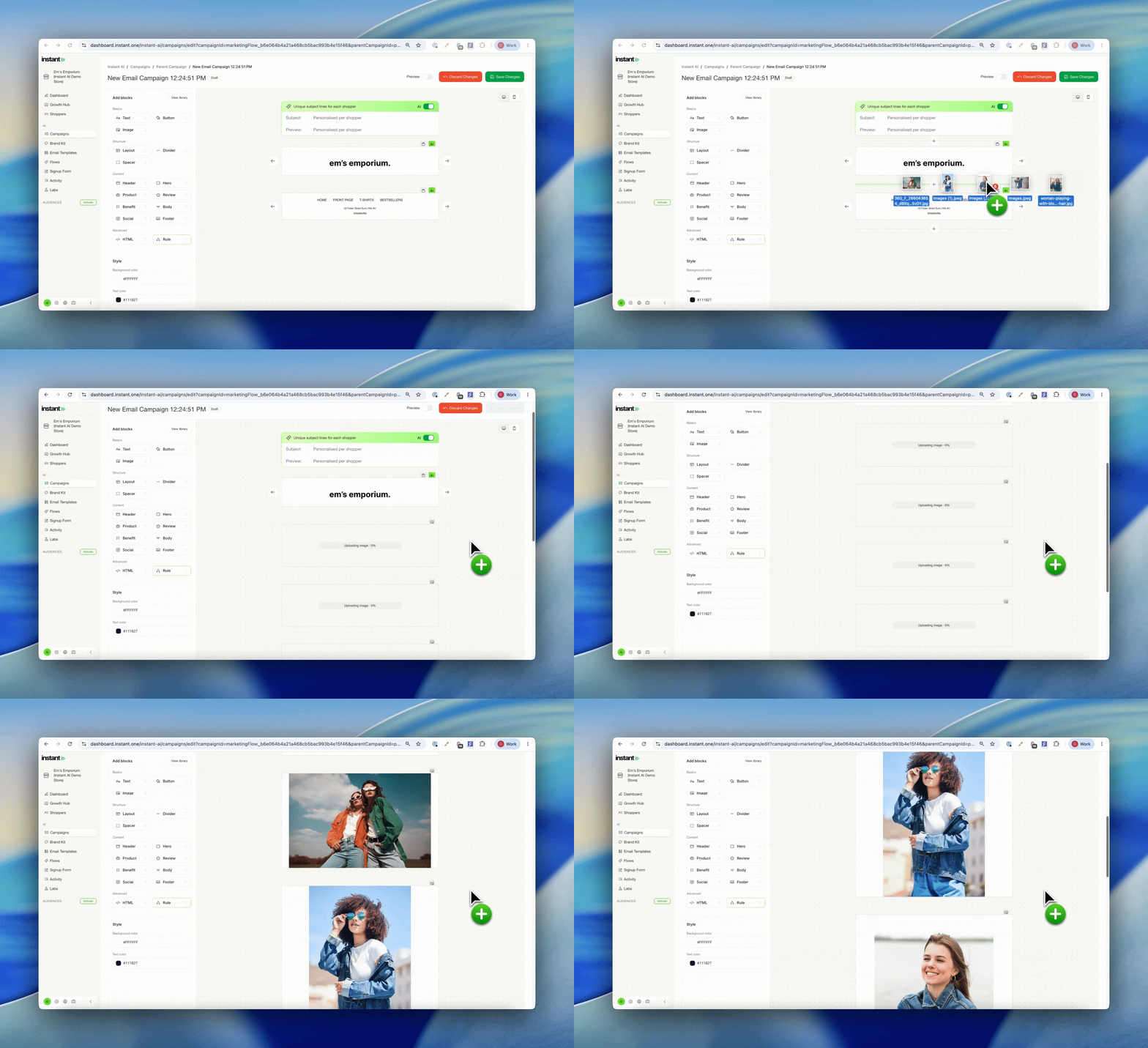
If you design images in other tools and just need them inside Instant, this is much faster. Drop a whole batch of files onto the canvas at once and we'll turn each one into an image block for you, so you can build a campaign in a fraction of the time.
- Drag files straight from your computer onto the canvas in bulk
- Every file is added automatically as its own image block, no need to go through the image library