

Keep coupon codes next to the products they cover
Your coupon emails now show a code only when the products in the email can actually use it.
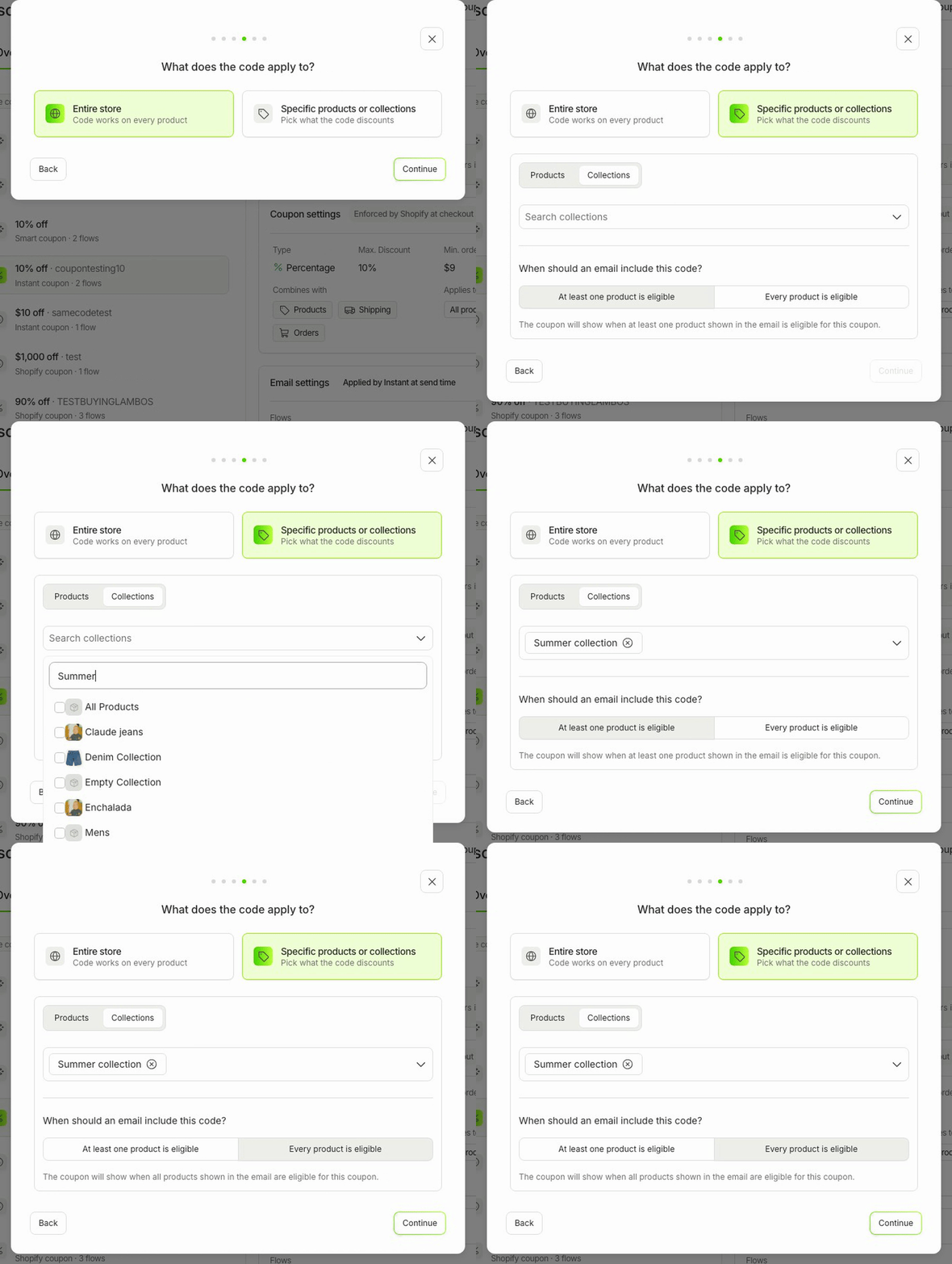
A code that fails at checkout frustrates shoppers and can break brand or licensing rules. Now a coupon limited to certain products or collections only appears in emails with products it actually discounts.
- Coupons limited to certain products or collections now check the products in each email before the code is added
- Choose whether at least one product, or every product, in the email must be eligible for the coupon
- When the products don't qualify, the email still goes out, just with no code and no discount wording
- Find it in Settings → Coupons, under "What does the code apply to?"