

Name your sign-up form quiz answers
Choose the name each quiz answer saves to, so you can find it easily in your filters and segments.
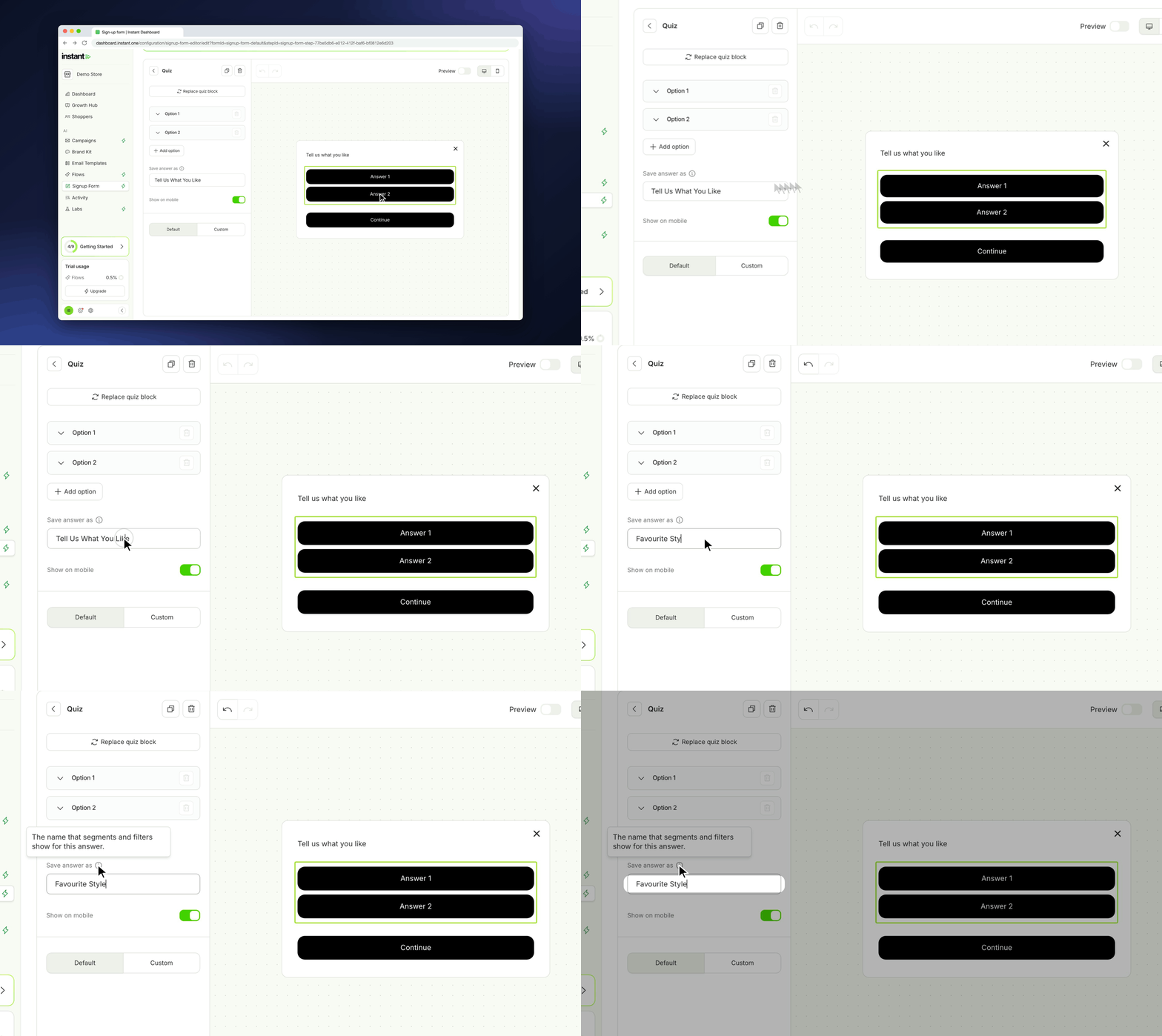
Until now, each quiz saved its answers under a numbered name such as QUIZ_1 or QUIZ_2. With more than one quiz, it was hard to tell which answers came from which question.
Now each quiz saves its answers under a clear name that you choose. When you build a segment or a Smart Rule, you select Where Do You Ride, not QUIZ_1. Quizzes made before 28 October 2026 keep their old names, so the answers you already have stay where they are.
- A new *Save answer as* field on the Quiz block sets the name your quiz answers save to on each shopper's profile
- A new quiz takes its name from your question, so "Where do you ride?" saves as *Where Do You Ride*
- Find the name in the *Profile attributes* filter for shoppers, segments and Smart Rules
- Find it under *Signup Form > Template > Edit step > Quiz block > Save answer as*
- The name locks when the quiz goes live, so all answers stay under one name. To use a new name, add a new quiz