

Reorder segments
Drag and drop your segments into the order you want, so your favourites stay front and centre.
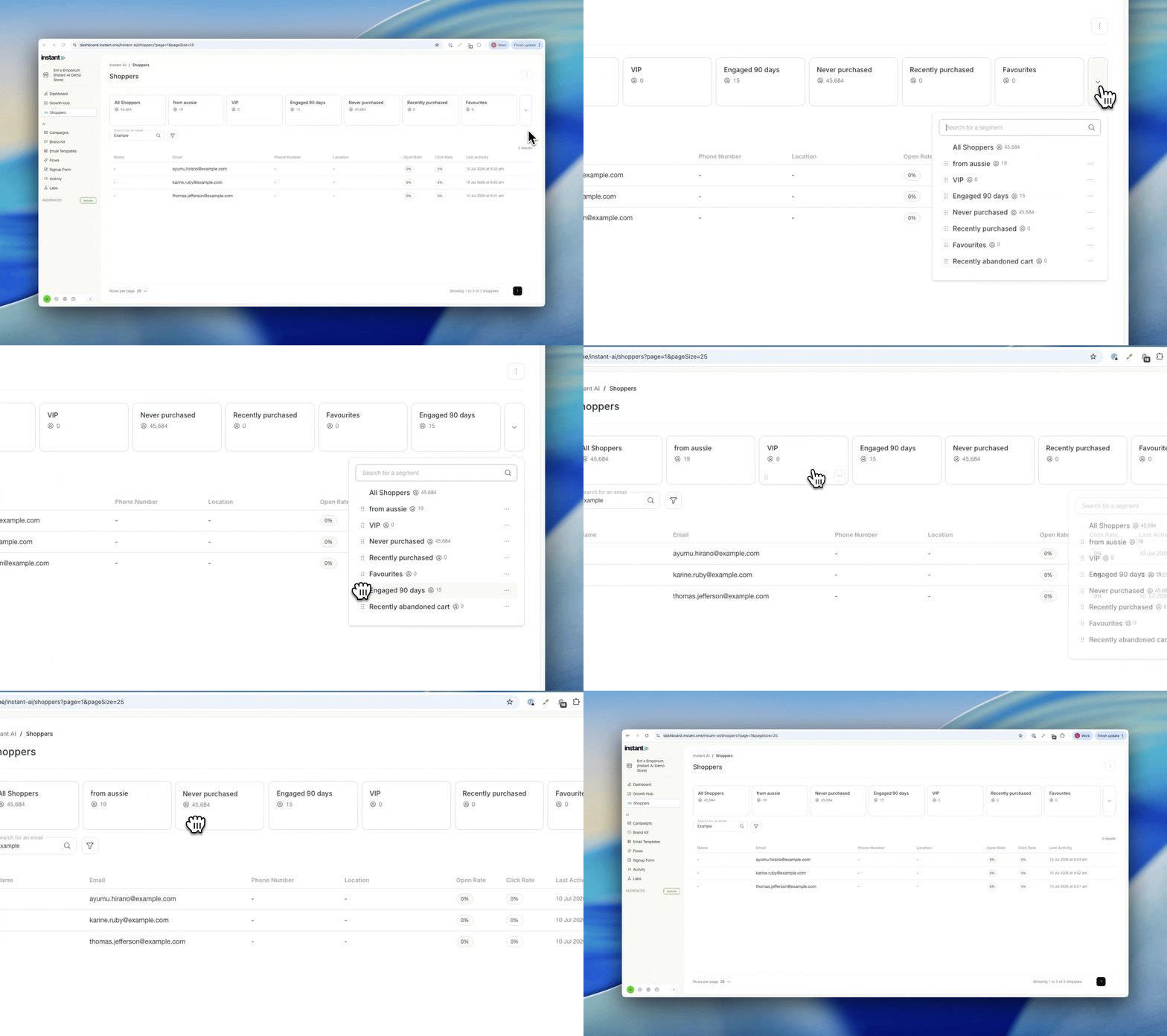
If you manage a large number of segments, the ones you use most can get lost in the overflow dropdown. Now you decide the order. Pin your key segments (like VIPs or recent purchasers) to the front so they're always easy to reach, and keep the rest tidied away.
- Drag and drop your segments to reorder them however you like
- Reorder the cards directly on screen, or from within the overflow dropdown
- The order you set controls which segments show by default, so your favourites stay front and centre